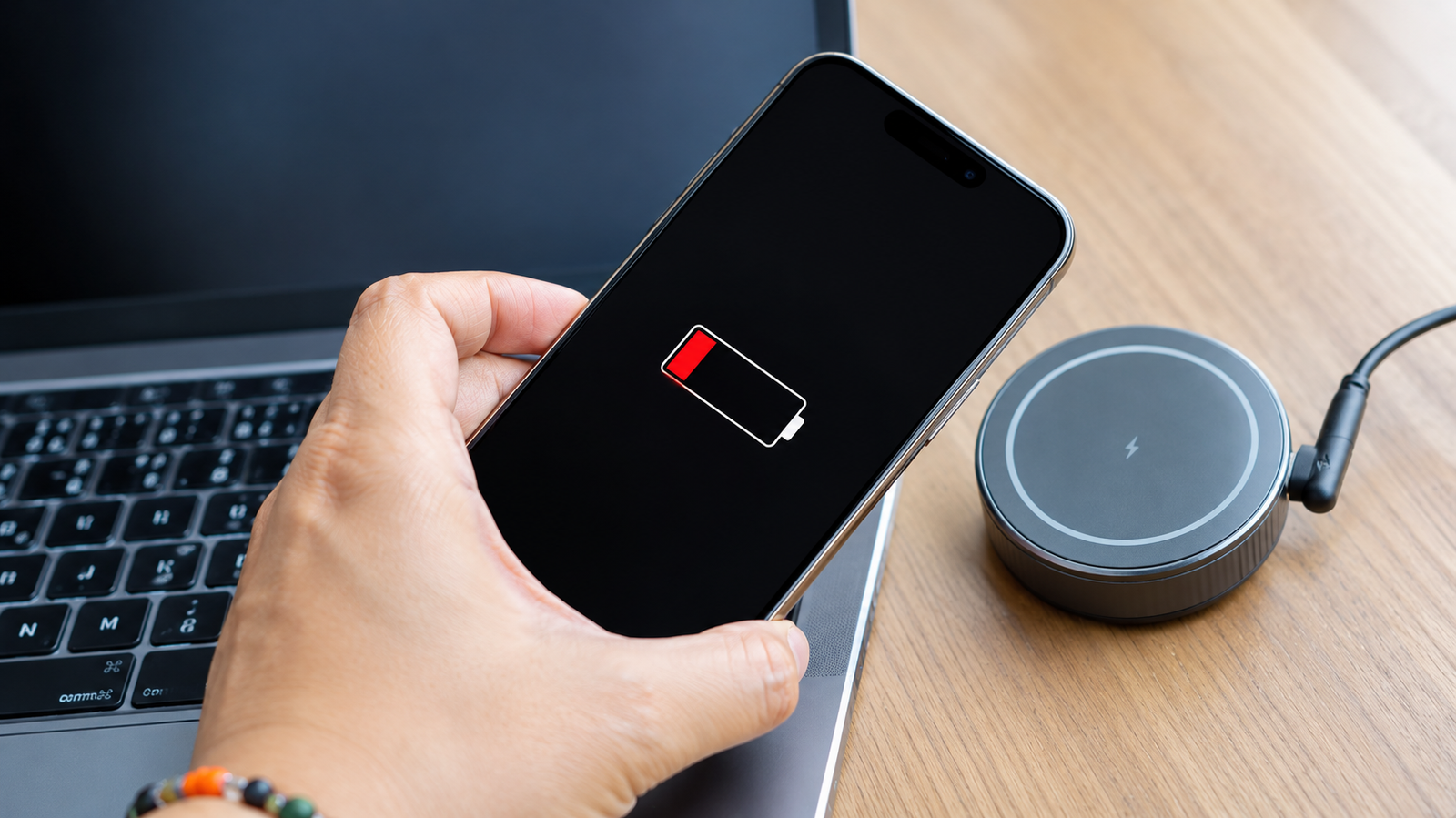
Your iPhone is at 3%, the wall adapter is at home, and you still need your phone for maps, payments, or a call. Knowing how to charge an iPhone without a charger is a small skill that can save a bad day.
Quick answer: The easiest way to charge your iPhone without its wall adapter is a power bank, a laptop or PC USB port, a car charger, a wireless or MagSafe pad, a TV or console USB port, another phone, or a public charging point. If you don’t have an adapter or a cable, a Qi wireless pad is the only way to charge.
Below, we explain how to charge iPhone without a charger using seven safe methods, with step-by-step instructions, realistic charging speeds, and which options work for your iPhone model. We’ll also cover how to charge an iPhone without a charger or cable, plus safety precautions and fixes for when your phone won’t charge. [We tested each method on a real iPhone and measured how much battery each one added in 30 minutes.]
Table of Contents
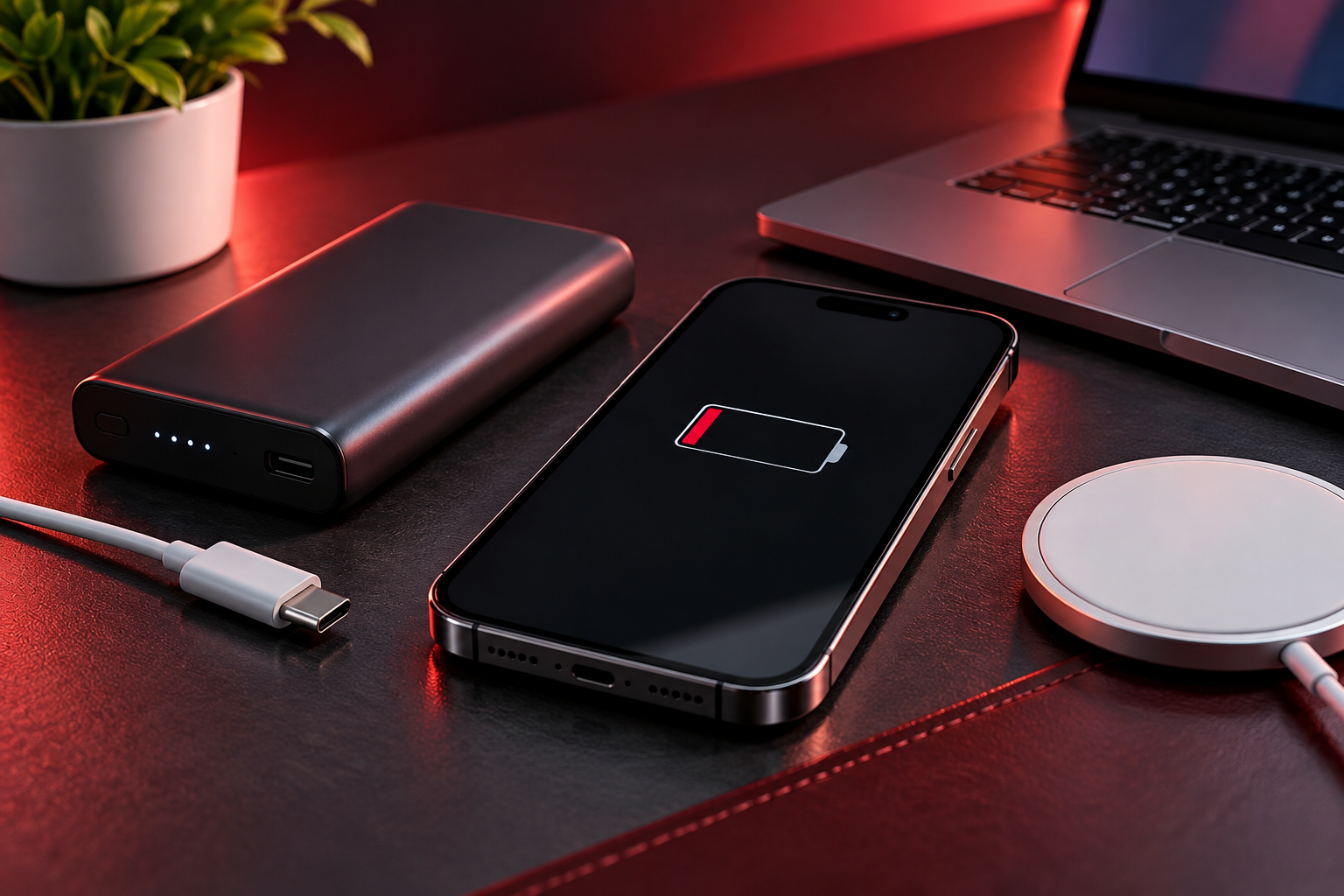
What “Without a Charger” Really Means
People searching for this usually mean one of three situations:
- No wall adapter, but you have a cable. Methods 1 to 7 below cover this.
- No cable, but you have an adapter. Borrow or buy a cable, or use a wireless pad.
- No adapter and no cable. This is the hardest case, and the dedicated section on how to charge iPhone without a charger or cable below covers it.
An iPhone needs a power source and a path into the battery, either a cable or a wireless coil. Every method here is just a different power source.
Which Charging Method Works on Your iPhone Model?
| iPhone Model | Charging Port | Wireless (Qi) | MagSafe |
|---|---|---|---|
| iPhone 5 to iPhone 7 | Lightning | No | No |
| iPhone 8 to iPhone 11 | Lightning | Yes | No |
| iPhone 12 to iPhone 14 | Lightning | Yes | Yes |
| iPhone 15 and later | USB-C | Yes | Yes |
7 Ways to Charge iPhone Without a Charger
Method 1: Charge Through a Laptop or PC USB Port
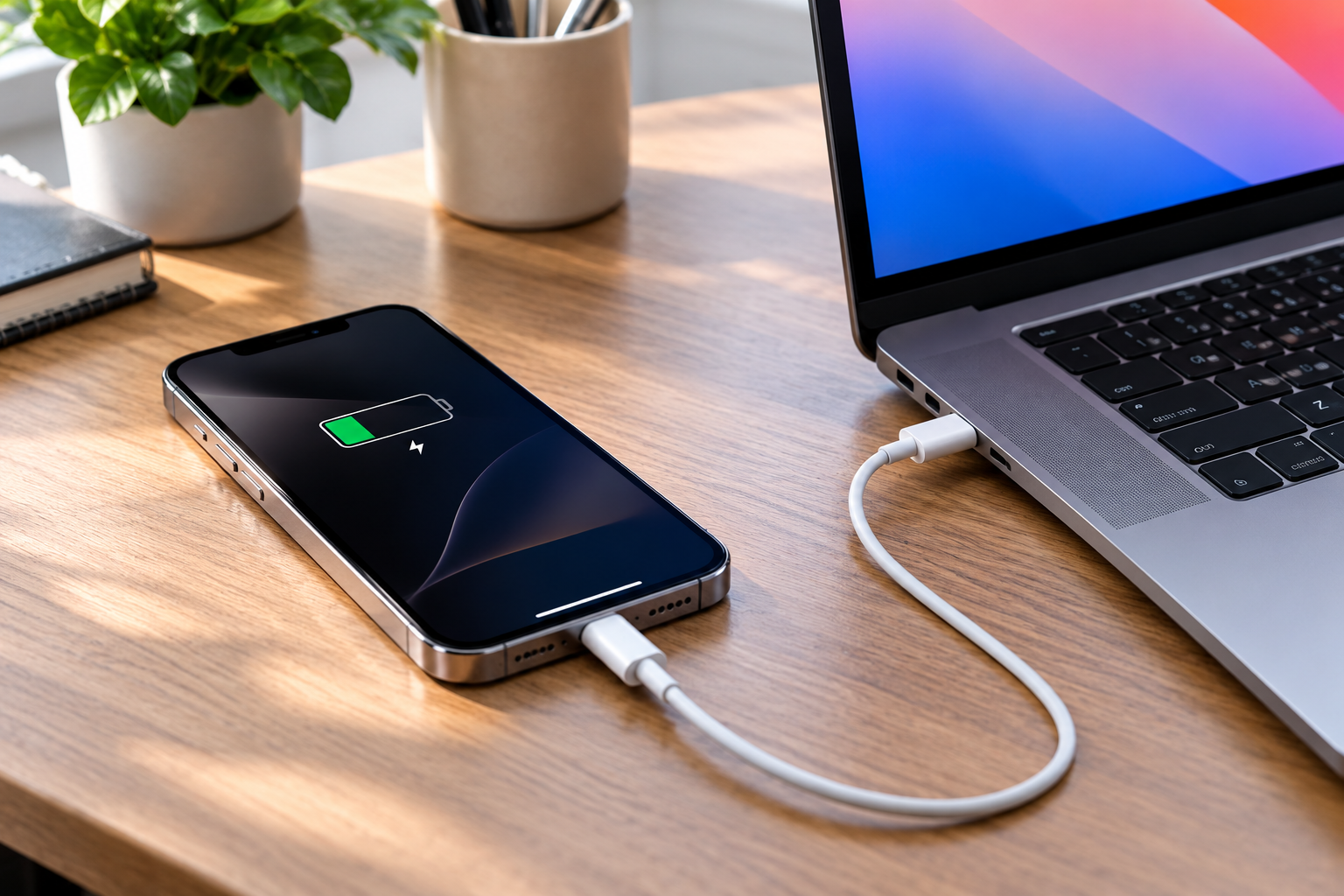
This is the easiest fix when you are at a desk.
Steps:
- Plug your cable into a USB port on a laptop or desktop.
- Connect the iPhone.
- If a “Trust This Computer” prompt appears and you only want power, tap Don’t Trust.
- Speed: Older USB-A ports supply roughly 2.5W to 4.5W, which is slow. Modern USB-C laptop ports that support Power Delivery can be faster.
- Time estimate: Expect several hours for a full charge from an older port.
- Tip: Keep the laptop plugged in or well charged, because it will otherwise drain its own battery.
- Tip: Some laptops cut USB power in sleep mode, so keep the screen awake.
Best for: topping up 20 to 30% at the office or while travelling.
Method 2: Use a Power Bank
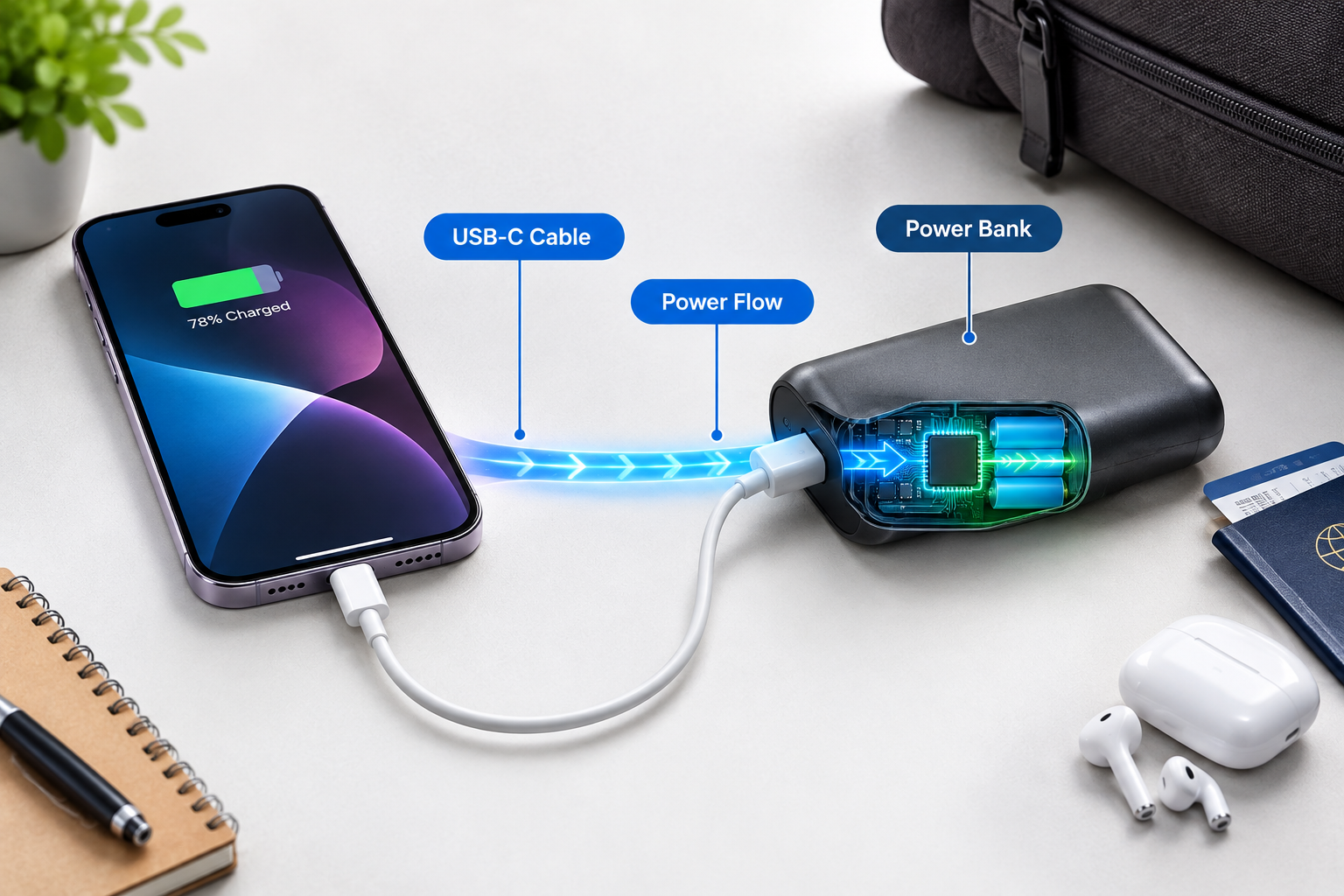
A power bank is the most dependable answer to How to Charge iPhone Without a Charger access while on the move. You carry the power yourself.
What to look for:
- Capacity: 10,000mAh is a good balance of size and power. It typically gives around 2 charges for most iPhones, though real-world results are lower because of conversion loss.
- Output: USB-C Power Delivery of 20W or more for fast charging.
- Certification: Choose a known brand. In India, Mi, Ambrane, Anker, and Realme are common. In the USA, Anker, Belkin, and Apple’s MagSafe Battery Pack are popular.
- Airline rules: Power banks must go in carry-on baggage, not checked luggage.
For fast charging at home, our guide to the best fast chargers in 2026 explains Power Delivery wattage in detail. It is written for Android, but the PD basics apply to iPhones too.
Method 3: Charge in the Car
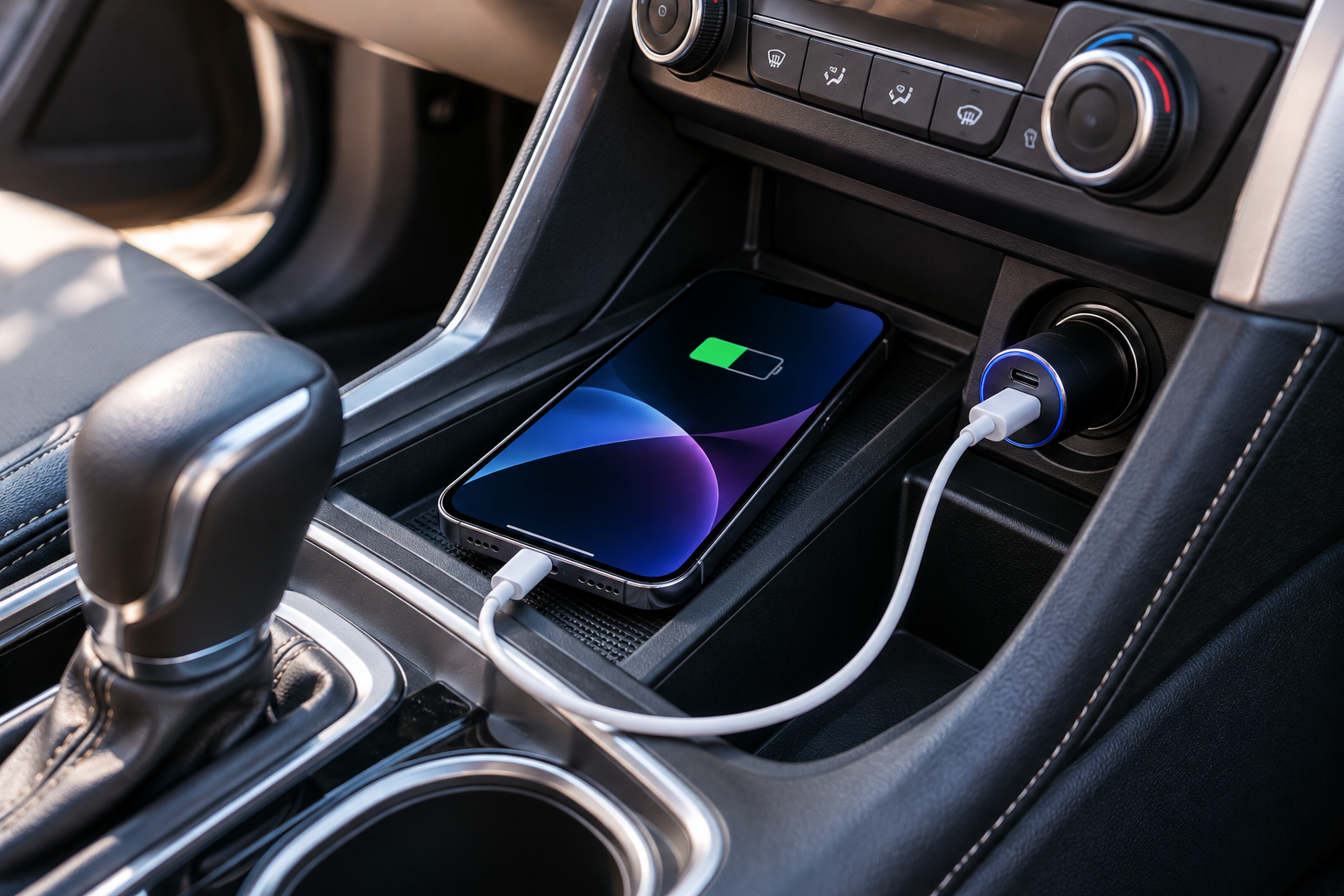
Steps:
1. Plug a USB charger into the 12V socket, or use the car’s built-in USB port.
2. Connect your cable.
3. Keep the phone out of direct sunlight on the dashboard.
- Built-in USB ports are often slow (around 5W) but fine for topping up on a drive.
- 12V adapters with USB-C Power Delivery of 20W or more are much faster.
If you commute daily, a good car charger is the cheapest insurance you can keep in the glovebox.
Method 4: Wireless and MagSafe Charging
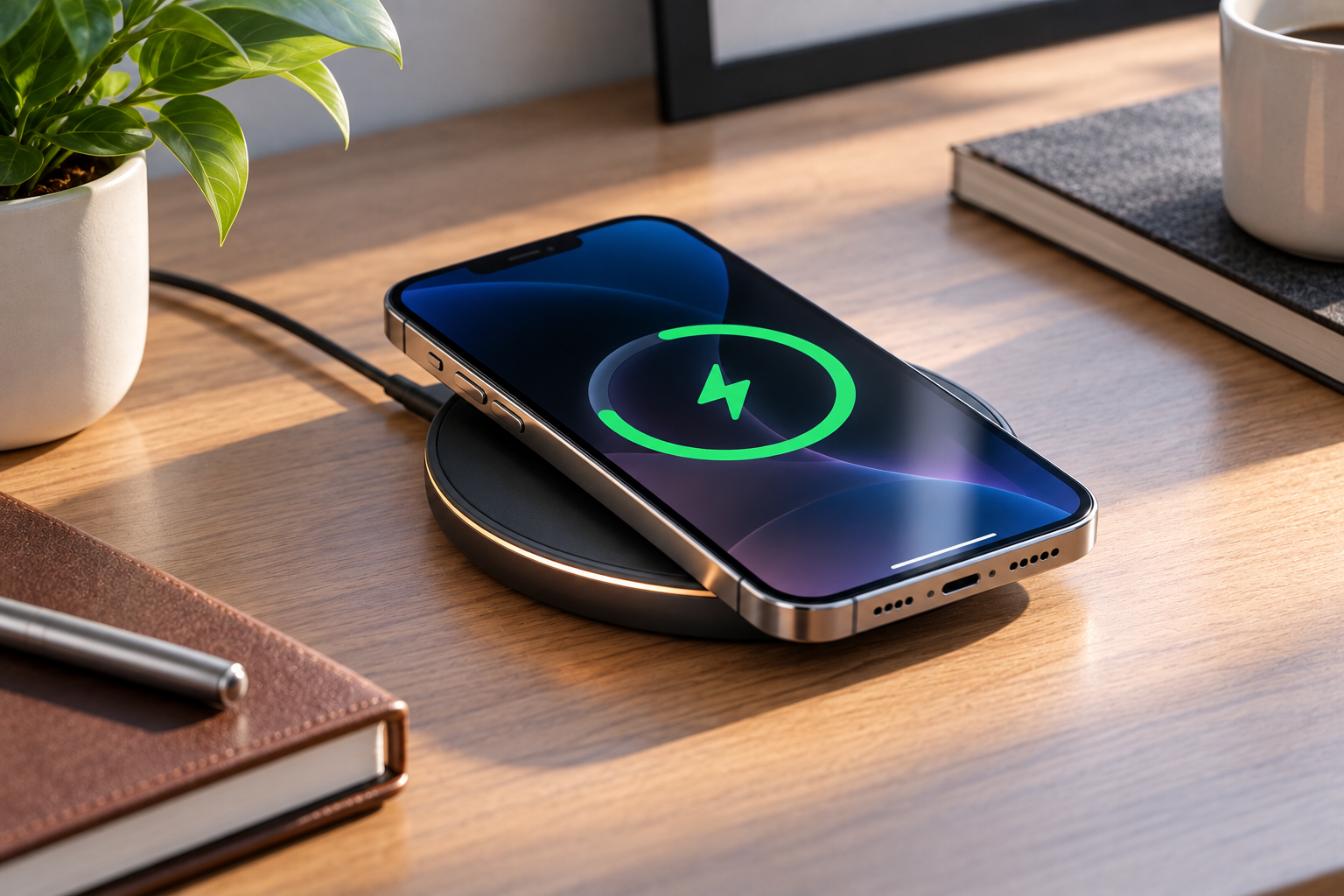
This is the key answer if you want to know how to charge iPhone without charger and cable.
- iPhone 8 and later charge on any Qi wireless pad.
- iPhone 12 and later snap onto MagSafe or Qi2 chargers magnetically, which gives better alignment and faster, more efficient charging.
- Where to find pads: cafés, airports, hotels, co-working spaces and some cars.
Watch out for:
- Thick or metal-backed cases, which block or weaken charging
- Cheap pads that charge at only around 5W to 7.5W
- Warmth during charging, which is normal but should not be extreme
Steps: Place the phone centred on the pad, check for the charging icon, and remove thick cases if nothing happens.
Method 5: Use a TV, Console or Router USB Port
Smart TVs, gaming consoles and some set-top boxes have USB ports. They are not designed for phone charging, so output is low and some switch off in standby. They work well enough overnight in a hotel room, though.
Method 6: Charge From Another Phone
Many Android phones and iPhone 15 and later (which use USB-C) can provide a small amount of power to another device via a USB-C-to-USB-C cable.
Steps:
- Connect both phones with the correct cable.
- Confirm the charging indicator on the receiving iPhone.
This is slow, and it can also drain the donor phone, so use this as an emergency option. Apple’s own specifications for outgoing power on iPhones are low, so don’t expect fast results.
Method 7: Public Charging Stations, Solar and Hand-Crank Banks
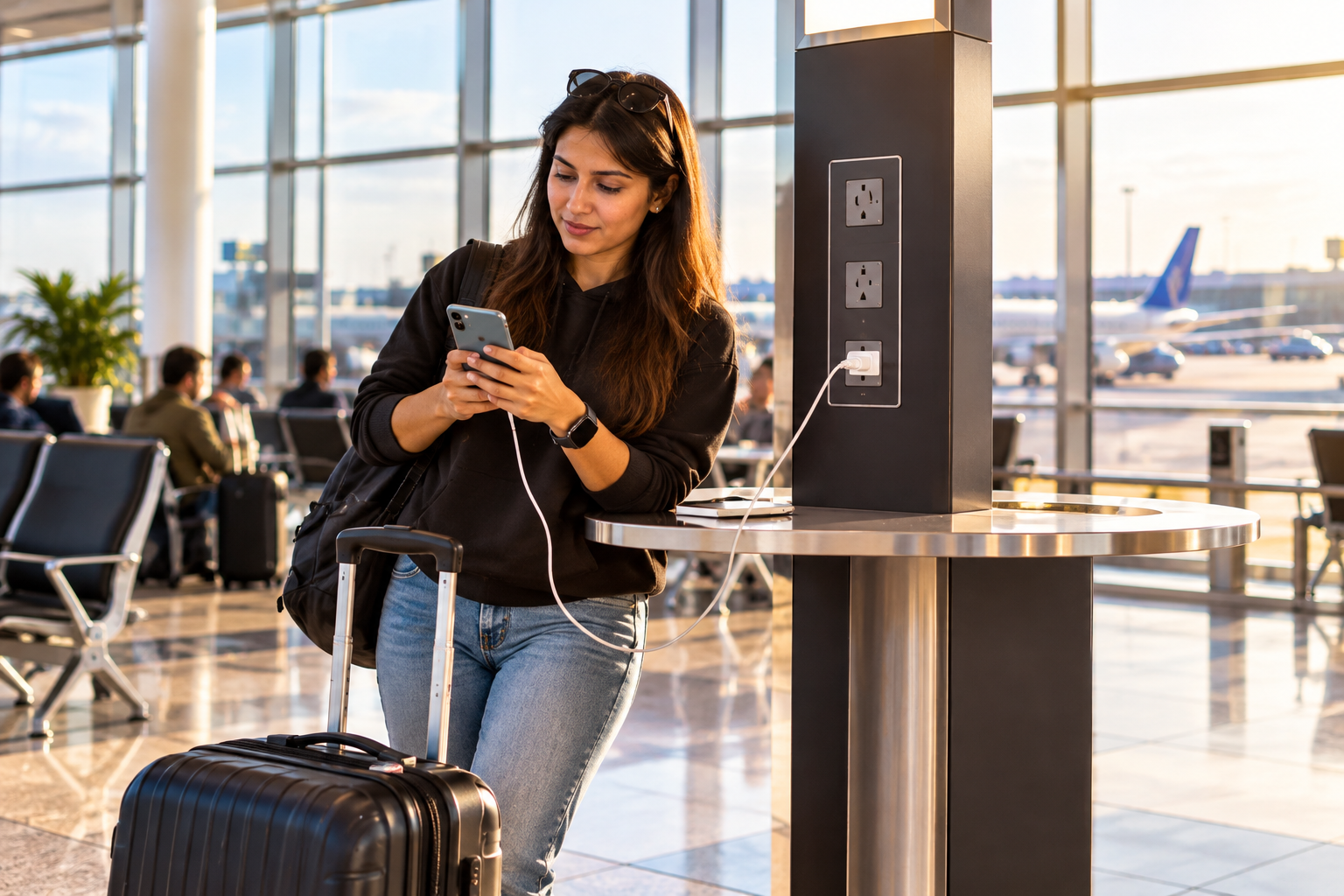
Airports, railway stations, malls, and many cafés now have charging kiosks.
- Solar power banks are useful on treks, but the real output is small, so treat them as a trickle top-up.
- Hand-crank chargers are an emergency backup only.
Safety: Use your own cable. A USB data blocker adds protection if you travel often. Avoid unknown cables left plugged in.
How to Charge iPhone Without a Charger or Cable
If you truly have neither, you have limited but real options. The honest answer to how to charge iPhone without a charger or cable is: use a wireless pad, or get hold of a cable.
Use a Wireless or MagSafe Pad
Any Qi or MagSafe pad works on iPhone 8 and later. Hotels, cafés, airports and some offices have them. Ask politely, since many places are happy to let you use one.
Borrow or Buy a Cable
A cable is one of the cheapest accessories you can buy. Electronics shops, airport kiosks and convenience stores stock them. Many hotel front desks also lend cables and adapters, and co-workers often have spares.
Charging Hacks to Avoid
Do not strip wires, connect bare cables to batteries, or follow viral “hacks” with fruit, vegetables or coins. They do not work safely and can damage the phone or hurt you.
Best Way to Charge iPhone Without the Original Charger
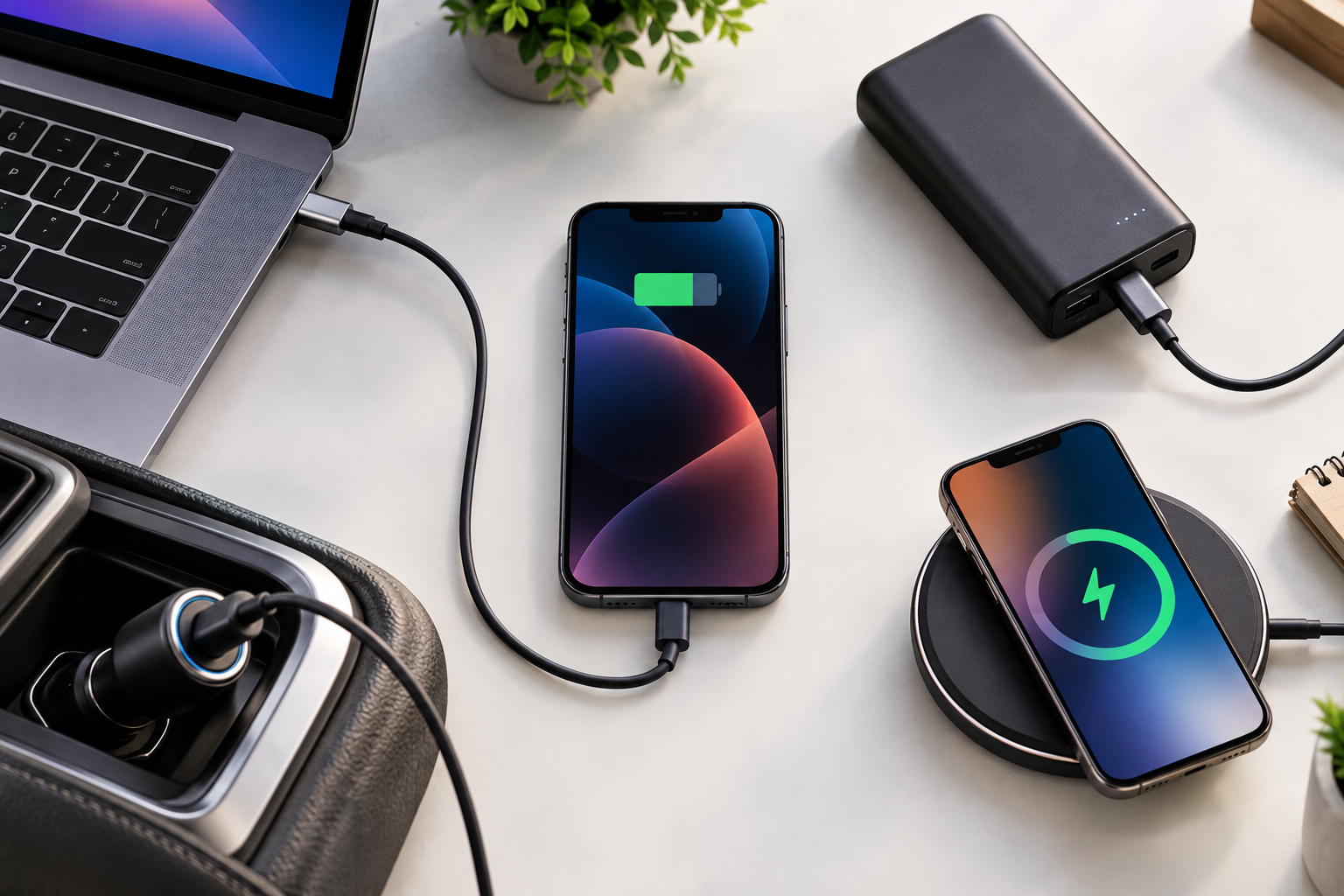
This table compares every method for how to charge iPhone without charger access, based on speed and convenience.
| Method | Speed | Needs a cable? | Best for |
|---|---|---|---|
| Laptop/PC USB | Slow to medium | Yes | Office, travel |
| Power bank | Medium to fast | Yes | Everyday backup |
| Car USB / 12V | Slow to fast | Yes | Commutes, road trips |
| Wireless / MagSafe | Slow to fast | No | Desk, bedside, cafés |
| TV / console USB | Slow | Yes | Hotels, home |
| Another phone | Very slow | Yes | Emergencies |
| Public station / solar | Varies | Usually | Airports, outdoors |
For most people, a power bank gives the best balance of speed and reliability. Wireless pads are the better choice when you have no cable at all.
Which Method Should You Pick?
- Commuter: keep a 20W car charger plus a small power bank in your bag.
- Frequent traveller: carry a 10,000mAh USB-C power bank and your own cable.
- Desk worker: a MagSafe or Qi pad on your desk.
- Caught short today: use the nearest laptop or ask for a wireless pad.
How to Charge iPhone Faster Without the Original Adapter
If you are still figuring out how to charge iPhone without a charger, these settings help any low-power method work faster:
- Turn on Low Power Mode.
- Enable Airplane mode for the fastest top-up.
- Dim the screen and close heavy apps.
- Keep the phone cool and out of the sun.
- Remove a thick case when charging wirelessly.
Even 15 minutes with these settings can add noticeable battery.
Is It Safe to Charge iPhone Without the Original Charger?
Yes, it is safe if you use quality accessories. The risk comes from cheap, damaged or uncertified gear, not from the absence of Apple’s adapter.
Safety Tips for Charging Your iPhone
If you are searching for how to charge iPhone without a charger you are probably in a hurry, and that is when people take risks.
- Use certified cables. Apple-certified (MFi) cables or reputable brands lower the risk of overheating.
- Replace damaged cables. Frayed wires and bent connectors are a hazard.
- Do not charge under a pillow or in direct sun.
- Avoid unknown public ports without your own cable.
- Skip unbranded chargers.
Does Slow Charging Hurt Your iPhone Battery?
No. Slow charging is generally gentler on a battery. Heat and poor-quality accessories cause more wear than low wattage does.
iPhone Not Charging? Quick Fixes
Even after you learn how to charge iPhone without charger hardware, a bad cable or dirty port can still stop it. Try these in order:
- Try a different cable and a different port.
- Clean the charging port gently with a soft, dry, non-metal tool.
- Remove the case, especially for wireless charging.
- Restart the iPhone.
- If you see a “Liquid detected” message, let the phone dry before trying again.
- If nothing works, visit an Apple-authorised service centre.
Frequently Asked Questions
Q1: How to charge iPhone without charger and without cable?
The only way to charge an iPhone with no adapter and no cable is a wireless pad. Any Qi or MagSafe pad works on iPhone 8 and later, and you can find them in cafés, airports, hotels and co-working spaces. If your iPhone is older than the iPhone 8, or no pad is around, you will need to borrow or buy a cable. Electronics shops, airport kiosks and many hotel front desks can help.
Q2: Can I charge my iPhone with a power bank, and how many times will it charge?
Yes, any power bank with a USB port and the right cable will charge an iPhone. A 10,000mAh power bank typically gives about 2 full charges on most iPhones, though real-world results are lower because some energy is lost during conversion. Choose a power bank with USB-C Power Delivery of 20W or more for faster charging. Also remember that power banks must go in your carry-on bag, not checked luggage, when you fly.
Q3: Can I charge my iPhone in the car, and is it safe?
Yes, you can charge your iPhone through the car’s built-in USB port or a 12V socket adapter, and it is safe with a quality charger. Built-in car USB ports are often slow, so a 20W USB-C car charger is a better choice for a quick top-up. Keep the phone out of direct sunlight on the dashboard, because heat is harder on a battery than slow charging.
Q4: Does wireless charging work through a phone case?
It works through most thin plastic, silicone and leather cases, but thick cases and anything with metal can block or weaken charging. Cards or magnetic rings stuck to the back of the phone can also interfere. If your iPhone is not charging on a pad, remove the case and re-centre the phone. MagSafe cases keep the magnets aligned, which helps charging stay efficient.
Conclusion
A dead battery doesn’t have to ruin your day. Knowing how to charge iPhone without a charger really comes down to finding a nearby power source and choosing the safest option. A laptop USB port, power bank, car charger, wireless pad, or even another phone can get you through an emergency.
Quick picks:
Everyday backup: a 10,000mAh USB-C power bank with a quality cable.
Long drives: a 20W or higher USB-C car charger.
No cable at all: a Qi or MagSafe pad (iPhone 8 and later), the simplest way to charge an iPhone without a charger or cable.
Whichever method you use, stay safe. Use certified cables, avoid unknown public ports, keep your phone cool, and skip viral “hacks”. Slow charging won’t harm your battery, but heat and cheap accessories can.
Your next step: pick one method, set it up today, and keep it in your bag. For faster charging at home, read our best fast chargers guide. Share your own tricks in the comments.